Controller Sensitivity Calculator
Precise sensitivity transfer between games
Select Your Source & Target Platforms
Choose your current gaming setup and the destination system to calibrate your sensitivity matrix accurately.
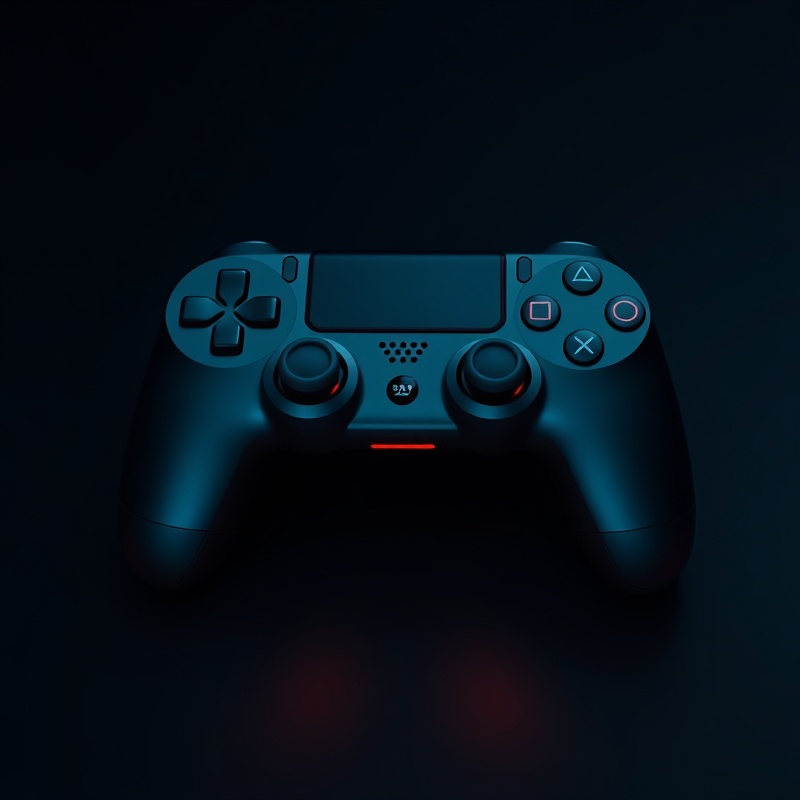
PlayStation 5
DualSense adaptive triggers and haptic feedback presets.
Xbox Series X
Standard and Elite Series 2 paddle configurations.
PC (Steam Input)
DirectInput, XInput, and Steam API remapping profiles.
Deadzone Configuration
Fine-tune inner and outer deadzones to eliminate stick drift while preserving micro-adjustments for competitive shooting.
Inner Deadzone
Set between 0.05 and 0.12 to neutralize hardware drift without sacrificing close-range tracking precision.
Recommended for Valorant and Call of Duty: Warzone.
Outer Deadzone
Adjust from 0.88 to 0.95 to ensure full 360-degree rotation triggers only when the stick is fully depressed.
Critical for flight simulators and tactical shooters.
Aim Assist Compatibility
Understand how different engines handle rotational strength, snap tracking, and friction to maintain consistent crosshair placement.
Rotational Strength
Measures how aggressively the engine pulls your crosshair toward an enemy hitbox. Values range from 0.0 (off) to 1.0 (maximum lock).
Unreal Engine 5 titles typically cap at 0.72 for fair gameplay.
Friction & Deceleration
Simulates surface resistance when crossing enemy models. Higher friction reduces over-rotation during rapid flick shots.
Best paired with linear response curves for muscle memory retention.